
Shipping updates may take a few days to appear after dispatch. Rest assured, your order is on its way and being processed by the carrier.
Is the tracking link in your email not working?
If the tracking link in your shipping confirmation email isn’t working, don’t worry.
We recommend using a laptop or desktop computer if the tracking link in your email isn’t working
Step 1 – Open the Tracking Website
Visit:

Step 2 – Enter Your Tracking Number
Copy the tracking number from your shipping confirmation email and paste it into the tracking field.

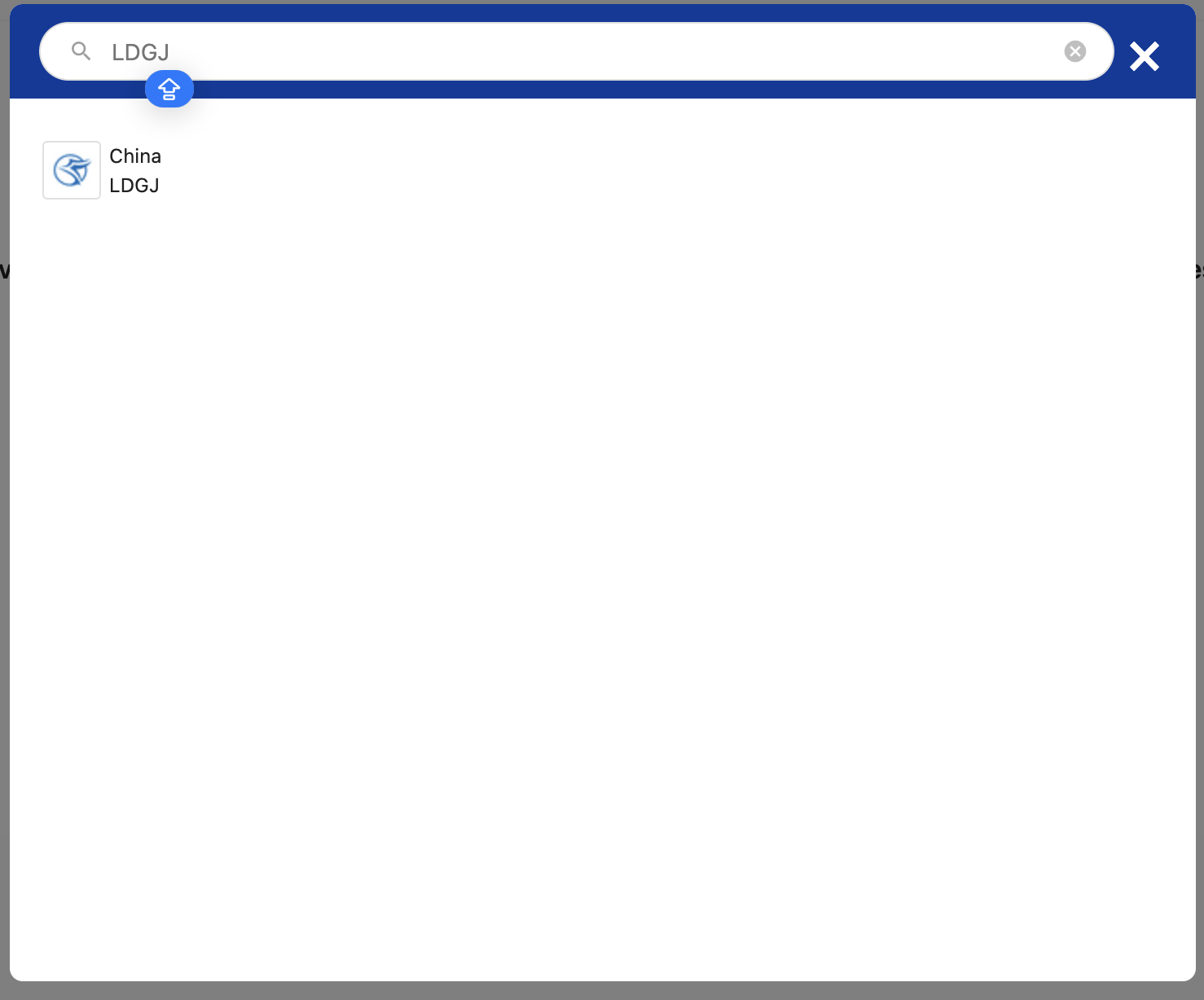
Step 3 – Select the Correct Shipping Carrier
Choose:
“LDGJ” or “4PX”
from the list of available carriers.
⚠️ Selecting the correct carrier is important to display your shipment information correctly.
Step 4 – Click “Track”
after clicking on track you will see the updates if the shipping courier shipped and updated your order. Tracking information may take 48–72 hours to appear after your order has been shipped. Please check again later if no updates are visible yet.
